Wedding Seating Chart Template (and When to Use a Maker)
A wedding seating chart template for your spreadsheet: the columns you need, how to group guests, and when an online seating chart maker is easier.
Wedding Hub 360 is a wedding planning app made of two apps working as one: a dashboard for your guest list, online RSVPs, seating chart, timeline and budget — and a wedding app for guests, opened by scanning a QR code, where they find their table, follow the day and share their photos in one gallery.
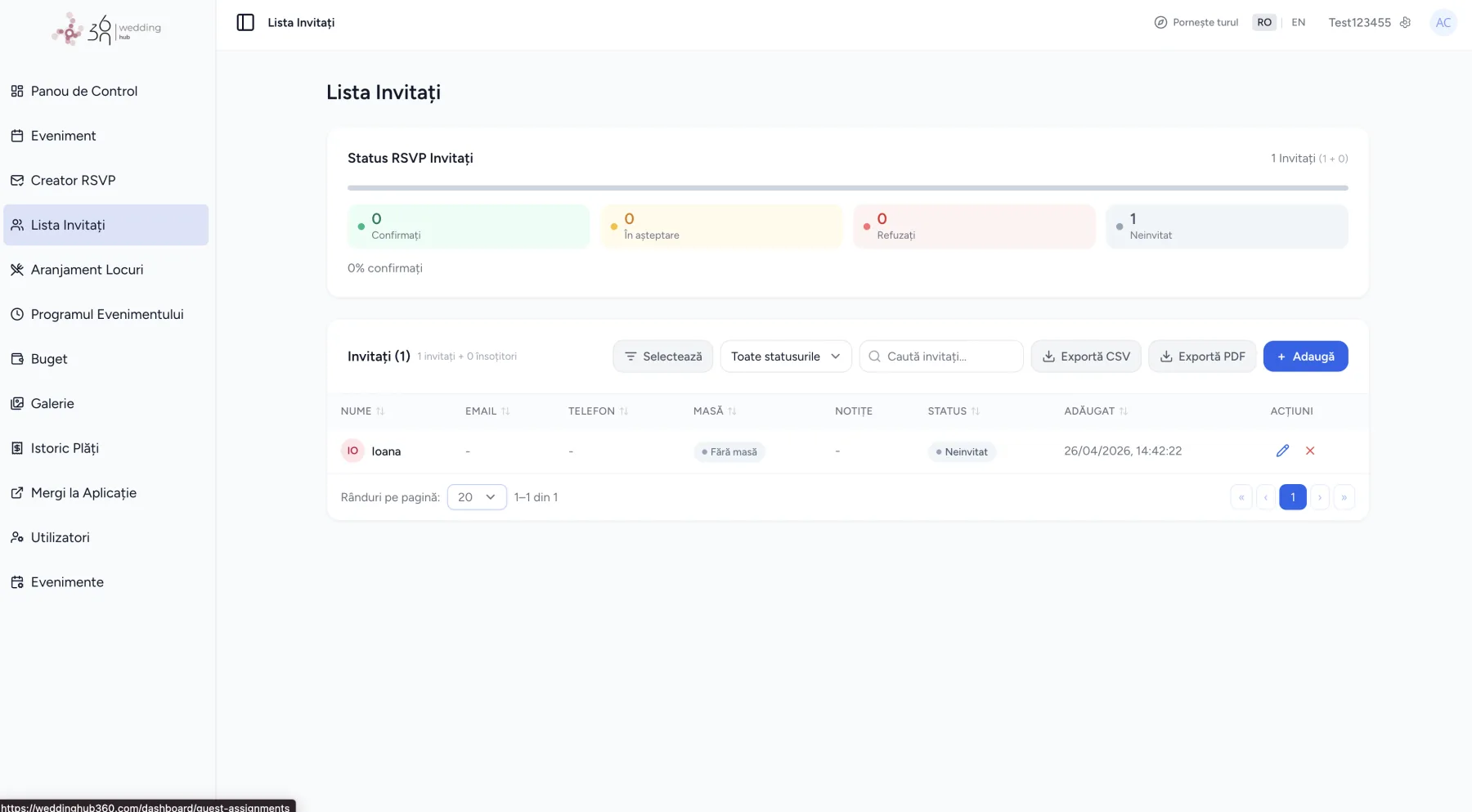
The organiser dashboard — the guest list, with RSVP status in real time.
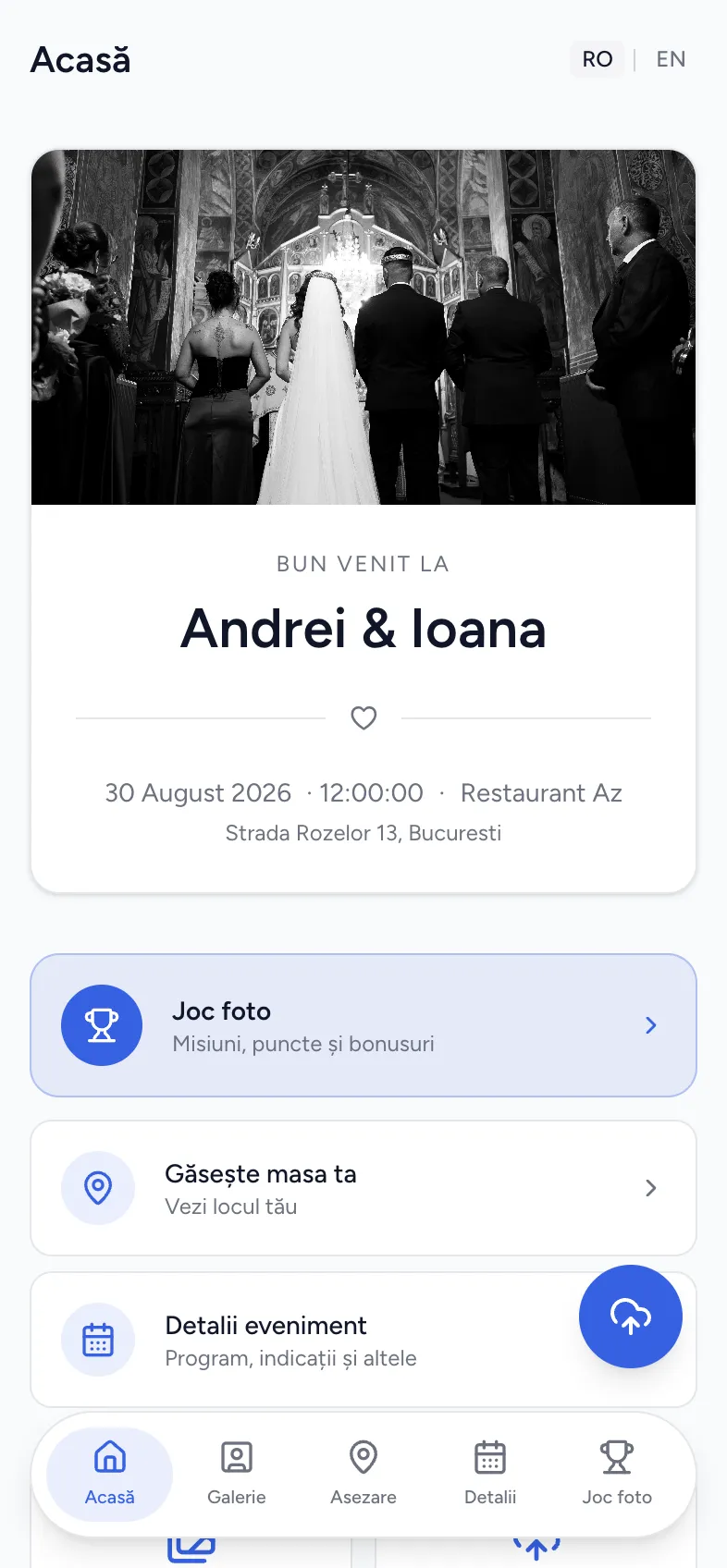
The guest app — opens from the QR code, in the browser.
You work in the dashboard. Your guests get their own app. Same data, updated live — move a table and it shows on their phones instantly.
They scan the QR code and it opens in their phone's browser. Nothing to install, no account to create.
Where the wedding actually gets planned — from the first guest added to the last photo uploaded.
Every guest gets the same five screens, personalised to them. No app download, no passwords, on any phone.
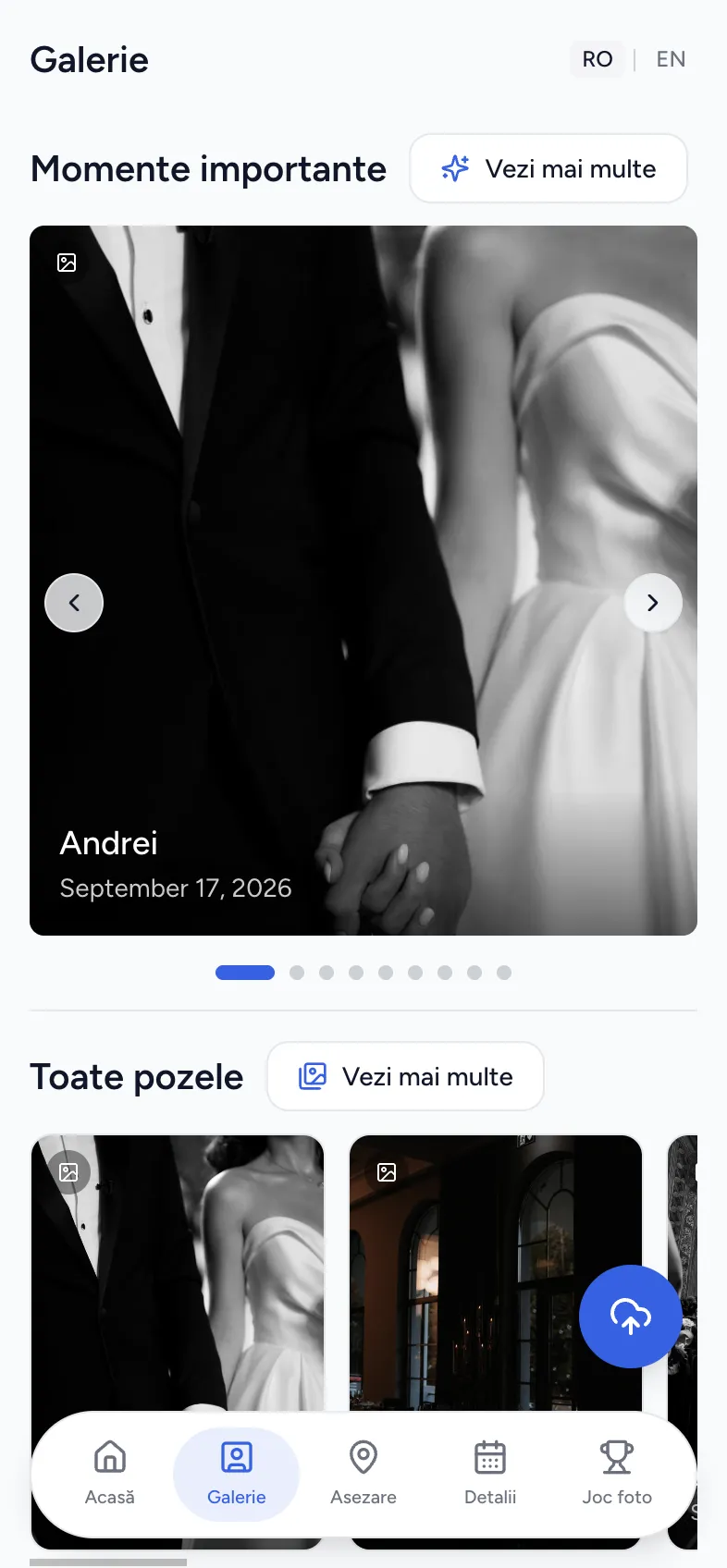
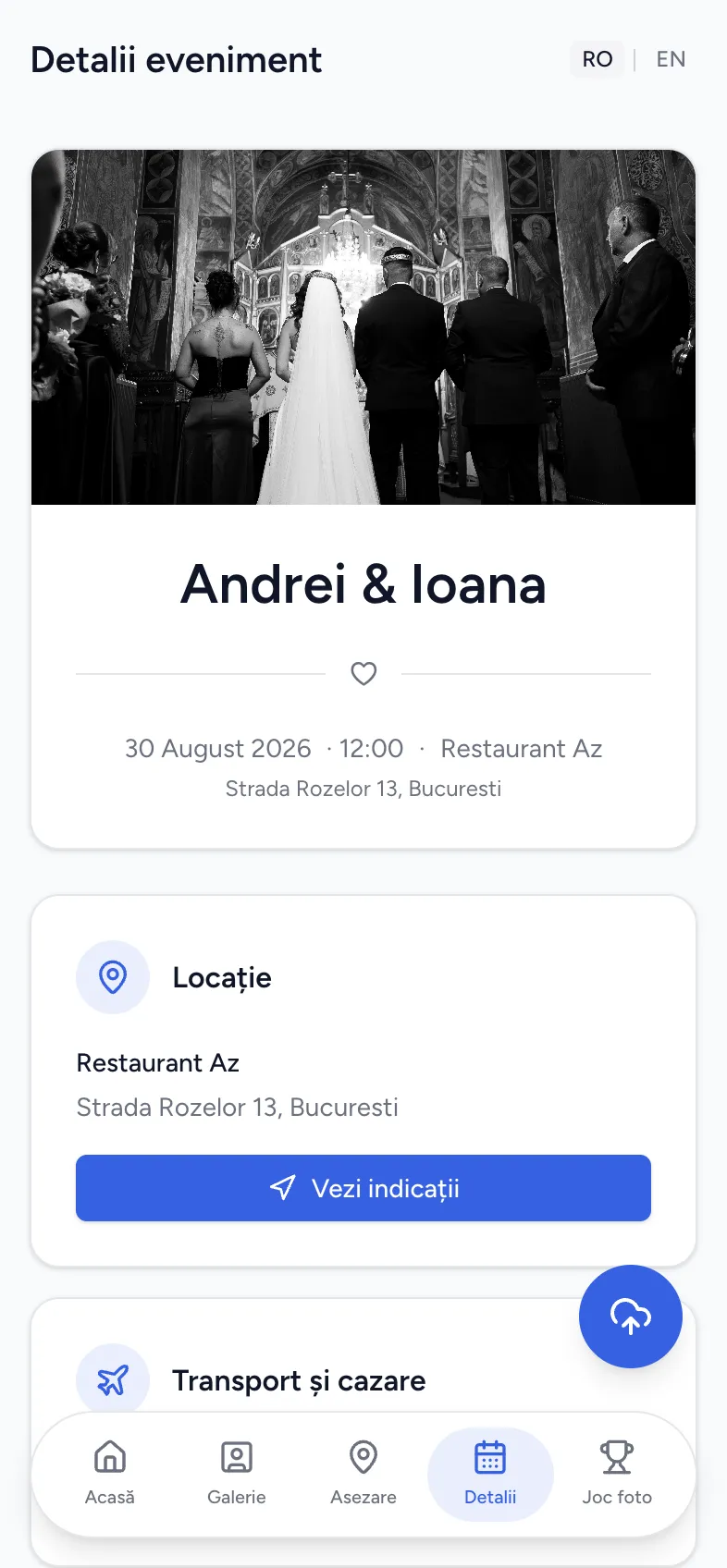
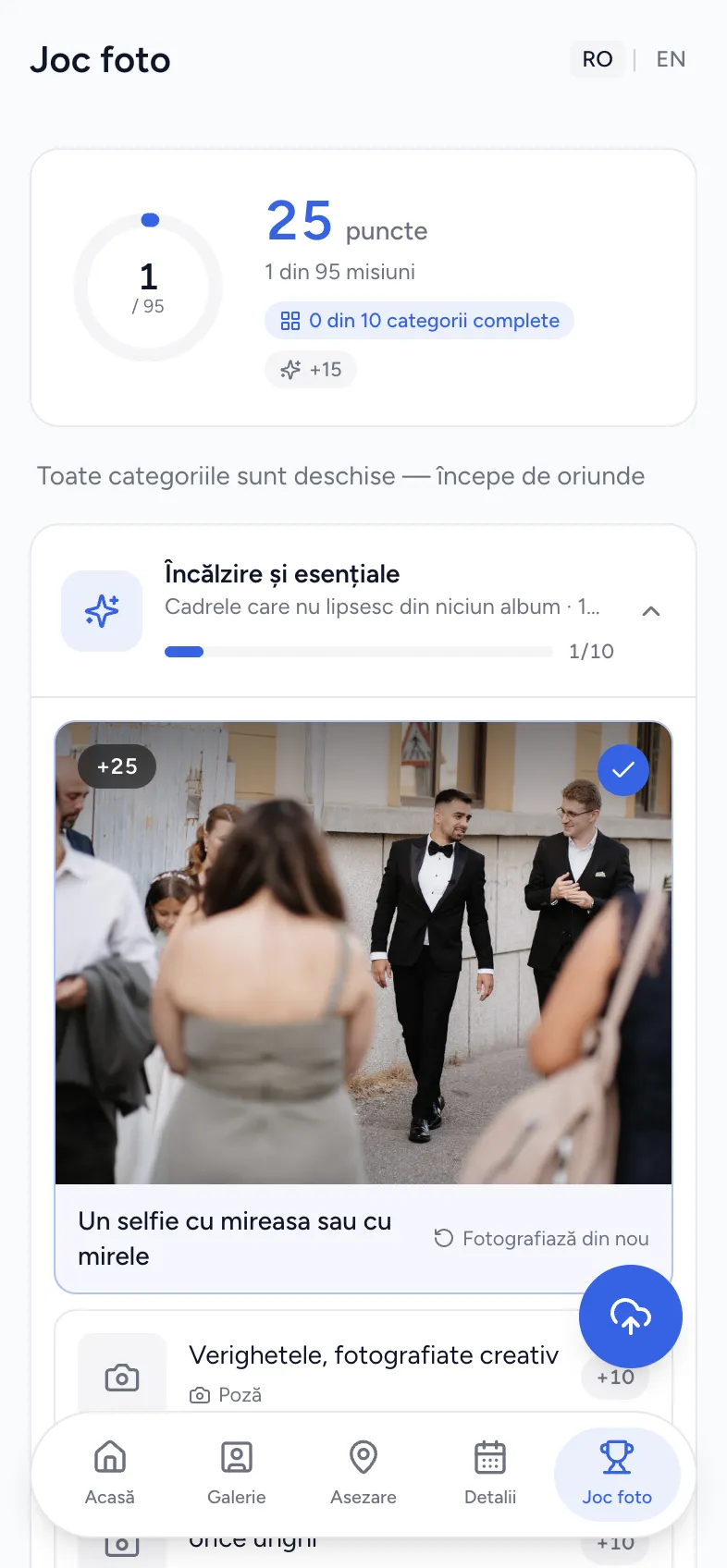
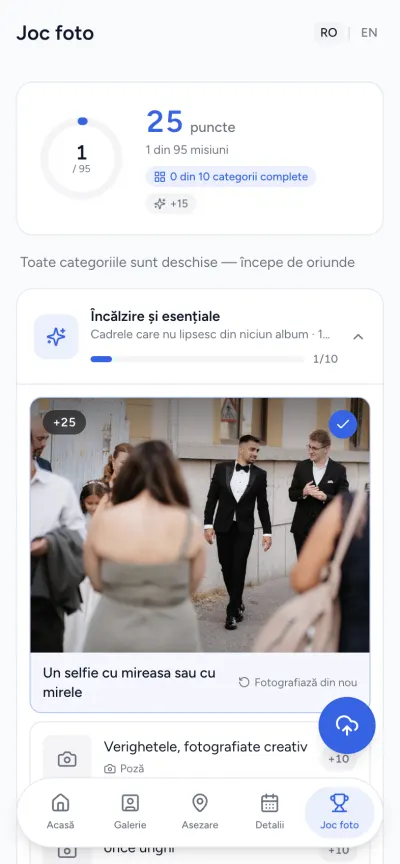
A built-in wedding photo scavenger hunt: every guest gets 95 photo missions across 10 open categories — they can shoot anything, in any order, and collect points for it. Each capture lands straight in the wedding album, with the mission as its caption. A modern alternative to disposable cameras.
95
Photo missions
10
Open categories
+10
Points per capture
Guest list, RSVPs, seating chart, timeline, budget and photo gallery — no spreadsheets, no group chats, no two versions of the same list.
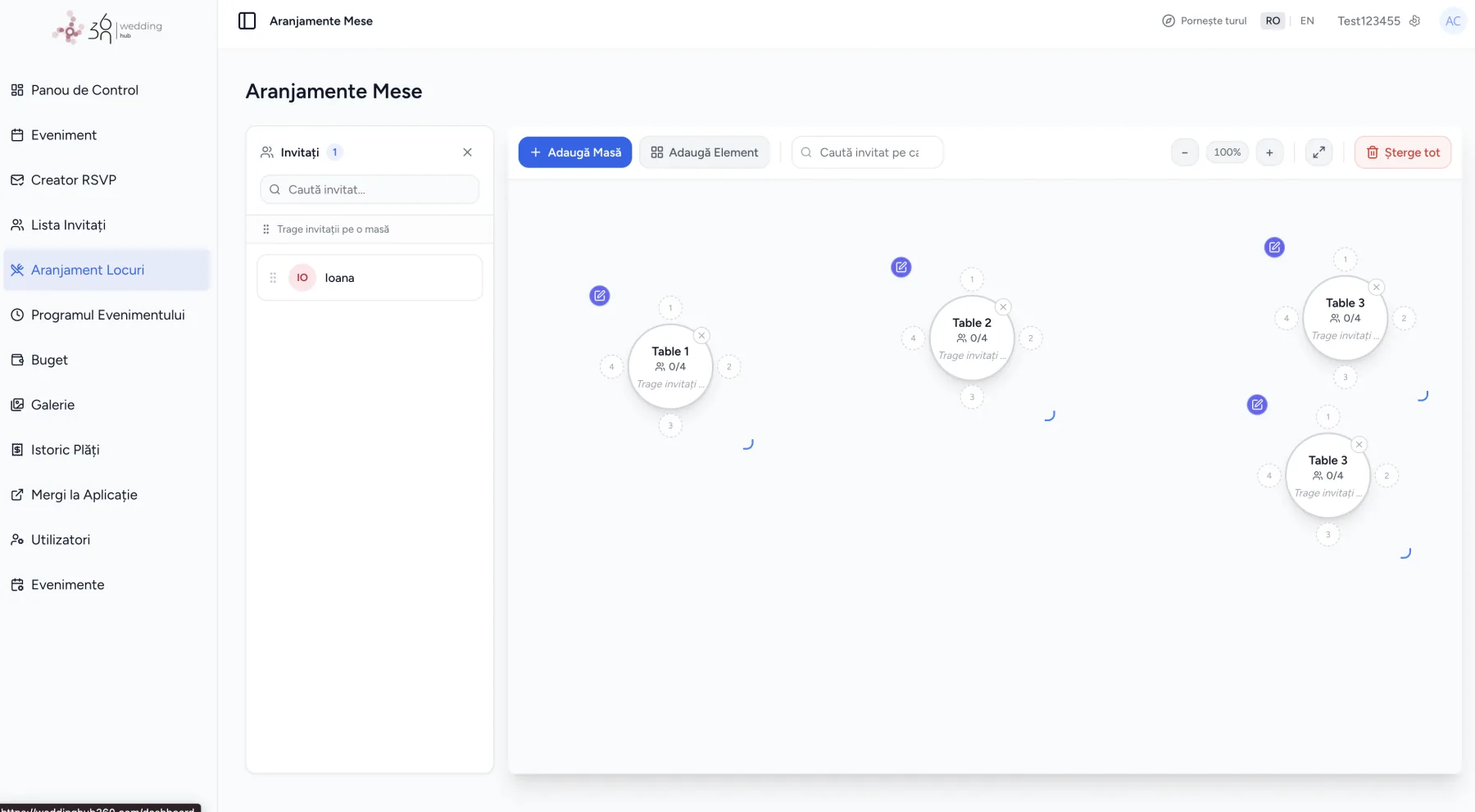
Drag guests onto tables on a visual floor plan. Round, rectangular and banquet tables, decorative elements, capacity tracked live — plus a fullscreen mode for when you really sit down to it.
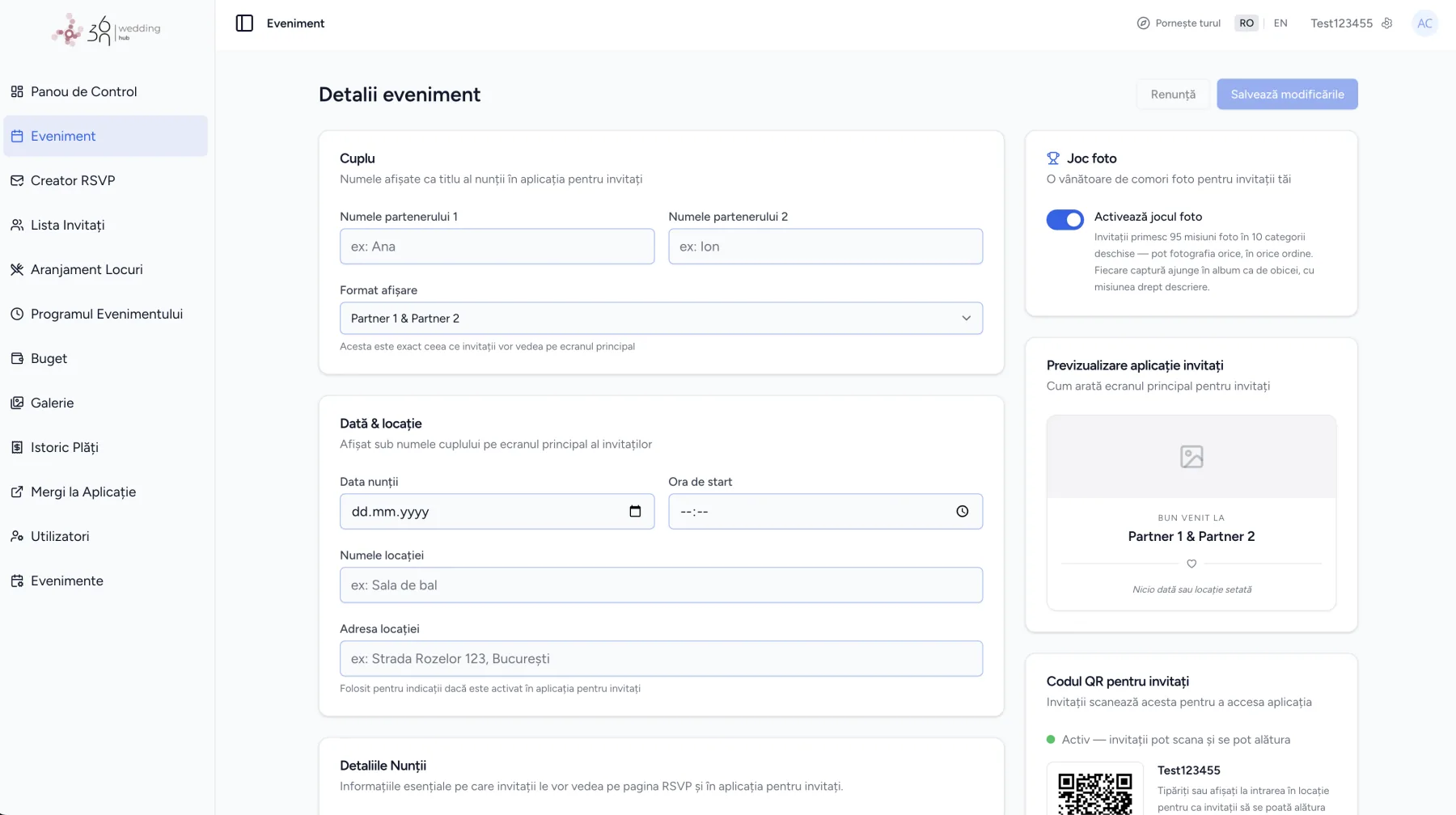
Couple, date, venue — and the wedding QR code generates itself, with a live preview of the guest app.
Pick an invitation design and make it yours. Every guest gets a unique RSVP link and confirms in real time.
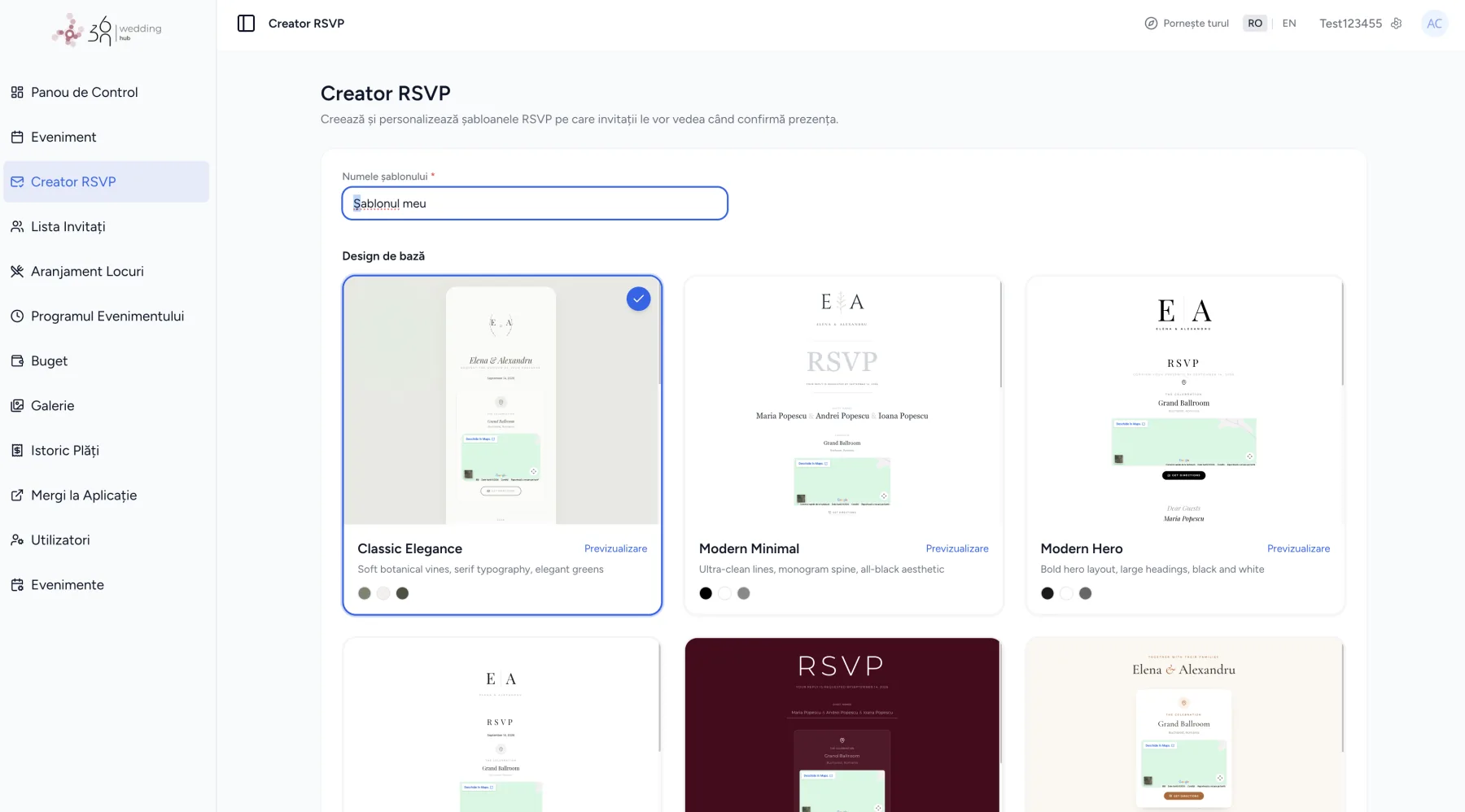
Confirmed, pending, declined — tracked live. Plus-ones, notes, and CSV or PDF export.
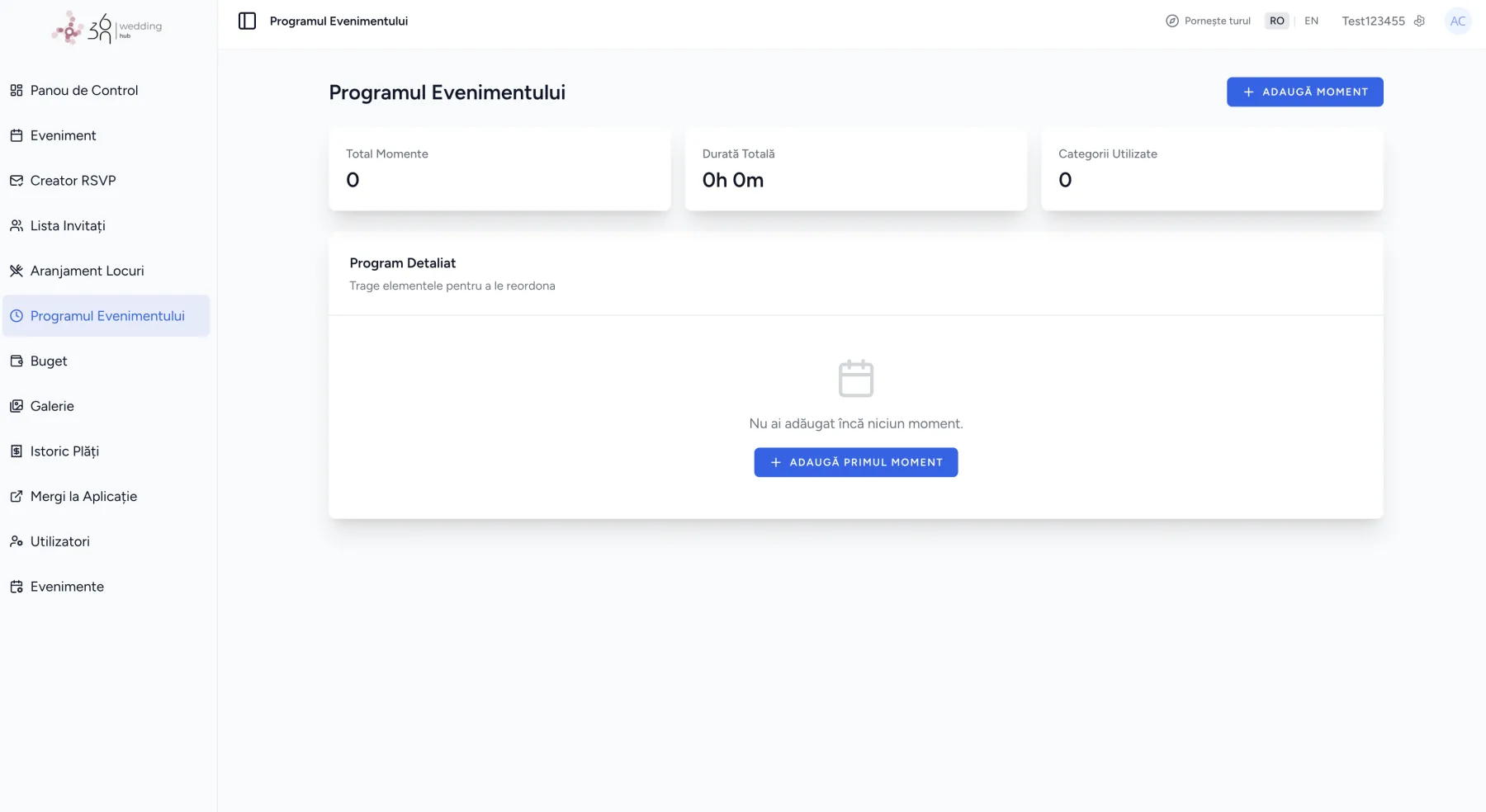
The day's moments with exact times, reordered by drag-and-drop. Guests see them in their own app.
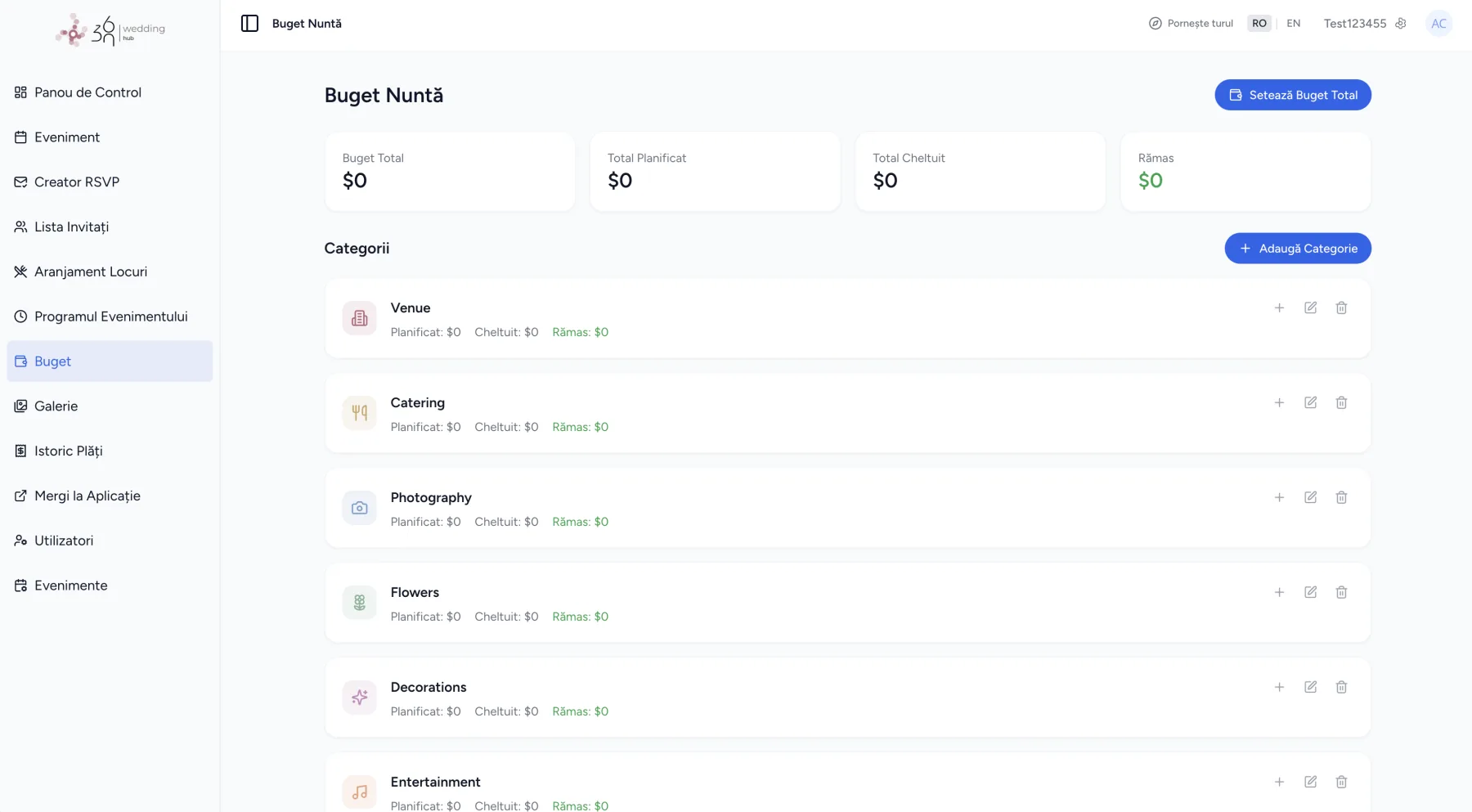
Total, planned, spent and left — by category: venue, catering, photography, flowers, decor, music.
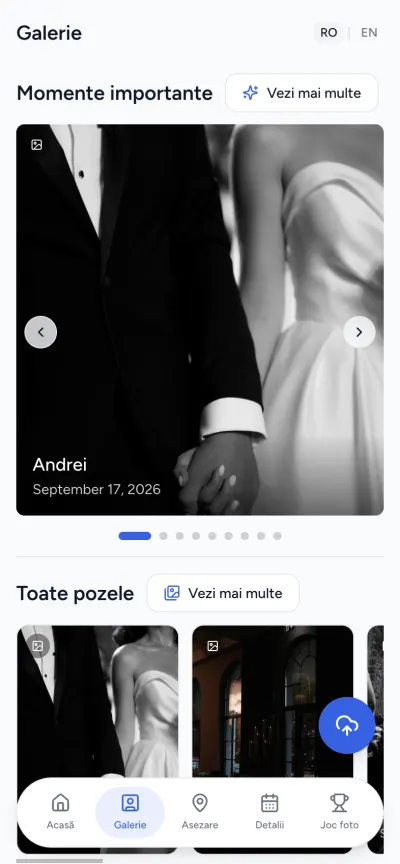
Every photo your guests upload, in one album — with face recognition, so each person can find their own.
Every event gets its own wedding QR code — for photos, tables and the timeline. Print it on the invitations, the menus, a sign or a card at the door — and every phone in the room instantly becomes your wedding's app.
They scan
With the phone camera, from the invitation or the entrance card.
It opens in the browser
No App Store, no account, on any phone.
Everything, personalised
Their table, the day's programme, the gallery and the photo game.
Download the code as PNG or PDF, or share the link directly.
1
Enter your wedding details and your guest list. The whole setup takes under five minutes.
2
Put it on your invitations or send it digitally. One scan, and your guests have everything.
3
Guests find their table, check the schedule, upload photos — on their own. You get to be present for it.
The free plan covers the planning: guest list, online RSVP, seating chart, schedule and budget. Premium and Pro add the guest app, the shared photo gallery and the photo game.
Free
To see how it feels, with no strings.
399 lei
One payment, for your wedding. No subscription.
Contact us
For planners, photographers and venues.
Included in every plan
Planners, photographers and venues run on the Pro plan: unlimited events, unlimited collaborators and 200 GB of gallery per wedding. Each couple gets their own dashboard; you see all of them.
“We saw moments we would have completely missed. Every guest contributed, and we ended up with hundreds of photos we would never have had otherwise.”
“The seating chart saved us hours of headaches. Guests found their spot instantly with the QR — no queue, no confusion, no stress.”
“Setup took five minutes. Guests got it immediately with zero explanation. The interface is so clear you can't get it wrong.”
No. They scan the QR code and the guest app opens in their phone's browser. It works on any phone, with nothing to install and no account to create.
There is a free plan for up to 20 guests. Premium is a one-time payment of 399 lei for your wedding, with unlimited guests and no subscription. Pro, for planners, photographers and venues, is priced on request.
Yes. Every guest gets a personal RSVP link, styled with the invitation design you pick. Confirmations, declines and plus-ones land in your guest list in real time, so you always know the final headcount.
Enter the names, date and venue, add your guests, and the QR code generates itself. Most couples are ready in under five minutes.
Twelve months on Premium. The photo gallery and the guest app are part of Premium and Pro, not the free plan. You can download everything — photos, guest list, seating plan — at any time.
The gallery belongs to your event alone and is reached through your own QR code. The platform is GDPR compliant, and you can export or delete your data whenever you want.
Yes. The schedule takes as many moments as you need, across several days; for entirely separate events, the Pro plan covers unlimited events.
Yes — that's what the Pro plan is for: unlimited events, unlimited collaborators, and 200 GB of gallery per event.
Guests scan your wedding QR code with their phone camera, the guest app opens in the browser, and they upload photos and videos straight into one shared gallery. You can download every guest photo whenever you want.
Yes. The Wedding Hub 360 free plan covers up to 20 guests with the guest list, online RSVP, seating chart, schedule and budget, no credit card needed. Guest photo sharing by QR code and the guest app come with Premium, a one-time payment of 399 lei.
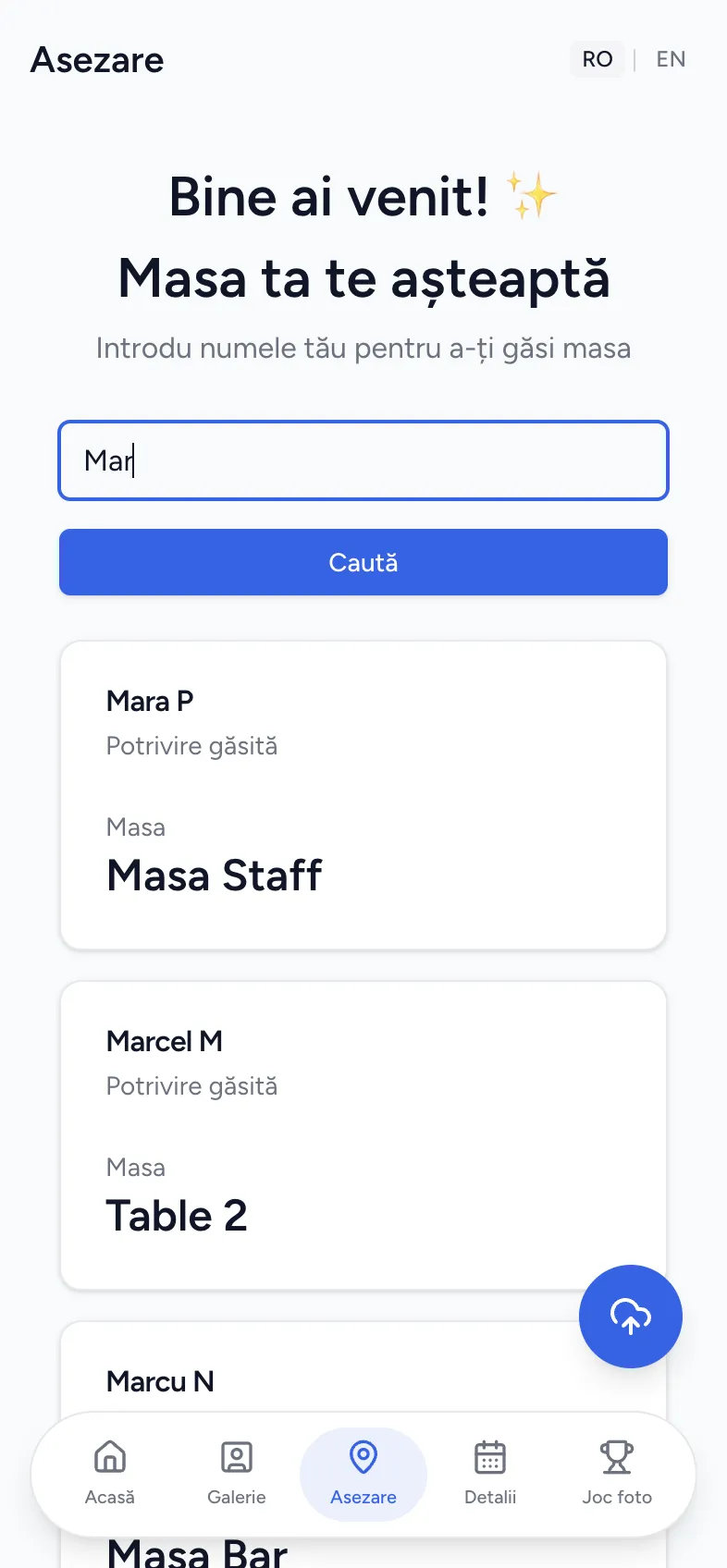
Yes. The seating chart maker lets you drag guests onto round, rectangular or banquet tables on a visual floor plan. Changes show up instantly in the guest app, where each guest finds their table by typing their name.
It's a list of photo prompts guests try to capture during the wedding. In Wedding Hub 360 it's built in as the photo game: 95 missions in 10 categories, with points, and every photo lands in your wedding album.
Yes. Guests use their own phones through the QR code, so there's nothing to buy, develop or lose — and you get the photos the same day, in full quality.
Can't find your answer? Write to us at office@weddinghub360.com
Wedding planning guides, seating chart tips, RSVP etiquette and photo scavenger hunt ideas — written for couples doing it themselves.
A wedding seating chart template for your spreadsheet: the columns you need, how to group guests, and when an online seating chart maker is easier.
A sample wedding day timeline for a 4pm ceremony, hour by hour from hair and makeup to the last dance, with versions for 3pm and 5pm ceremonies.
Disposable cameras or a QR code photo app for your wedding? Cost, photo quality, how many photos you get and the hassle of each, compared honestly.